1. Log into your webmail
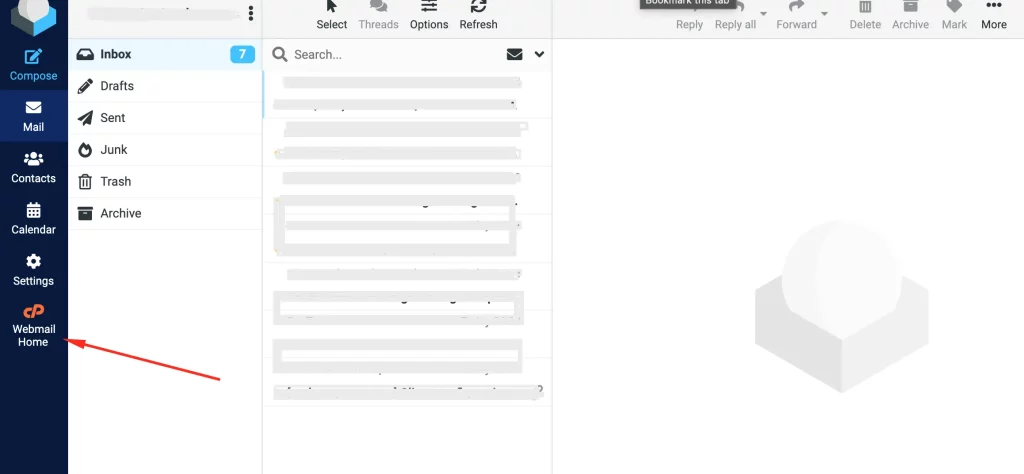
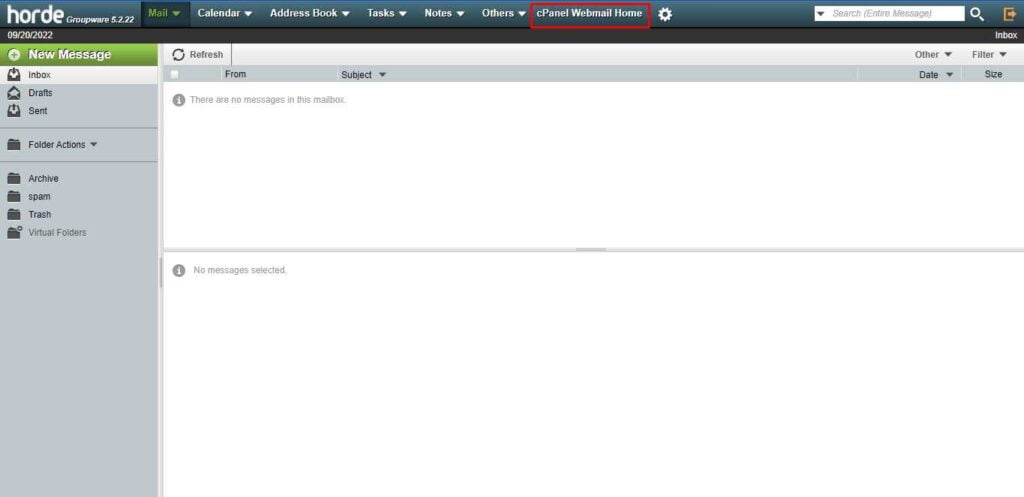
2. Go to your cPanel Webmail Homepage
– If you’re using Roundcube, click on the cPanel icon (left menu) to go to the Webmail Homepage
– If you’re using Horde: on the top menu bar, click “cPanel Webmail Home“
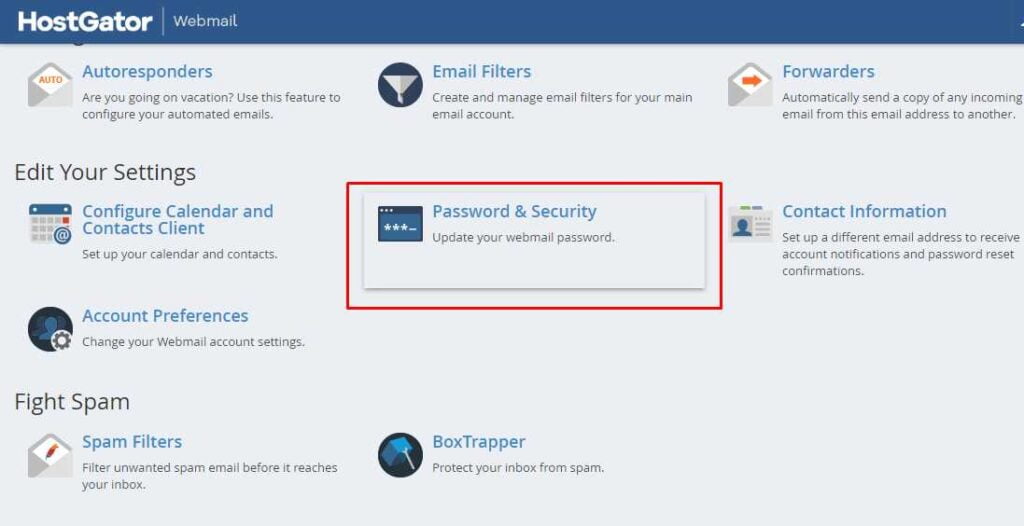
3. Scroll down to “Edit Your Settings” section and click “Password & Security“
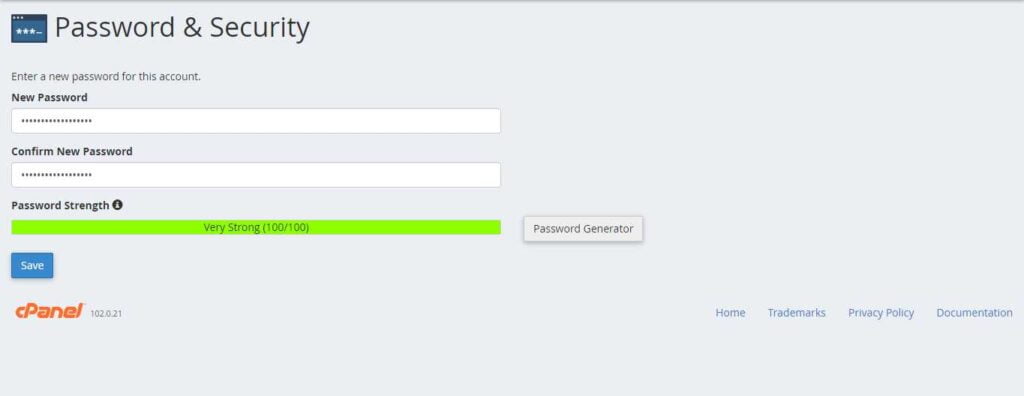
4. Enter and confirm your new password, then click “Save“.
That’s it!
Follow the guide below if you want to use the “Password Generator”.
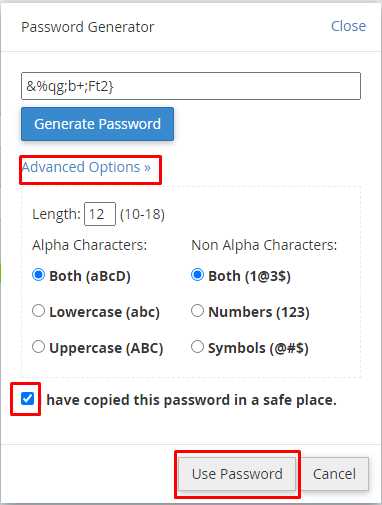
5. You can also click “Password Generator” to have the system generate a strong password for you. Furthermore, you can click “Advanced Options” to meet any corporate policies or requirements. Copy the password to a safe place and then check the corresponding box. You can now select “Use Password” then “Save“.
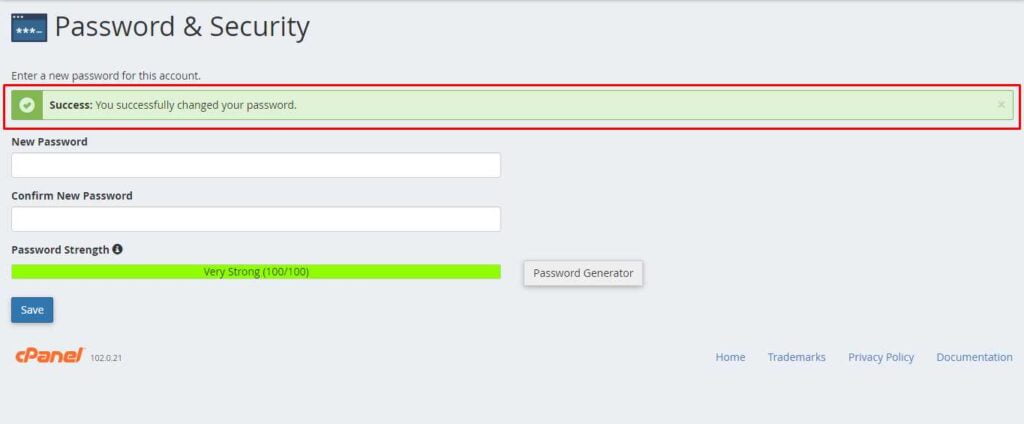
6. You’ll get a confirmation message to show that your password has been updated successfully.